
Photo enhancements · what you get
Photo Enhancements
These are the add-ons under More Photo Options in the cart. Each one is an edit applied to the photos you already ordered. Set the quantity for how many photos you want, and we handle the rest after the shoot.
Per photo · More Photo Options
Virtual Twilight
Your daytime exterior, re-lit as dusk: a glowing sky, warm windows, the house as the hero. No second trip, no waiting on the weather.
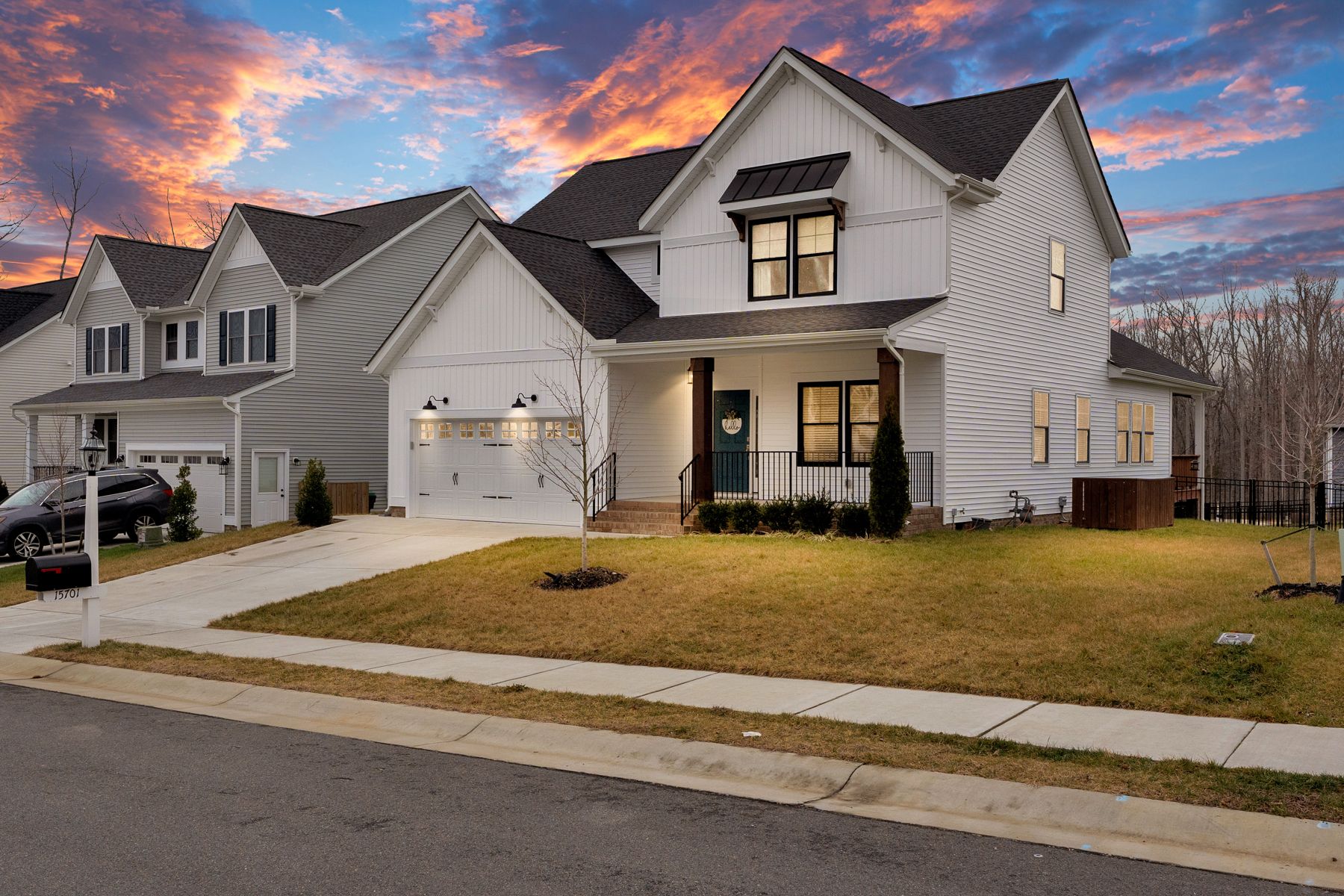
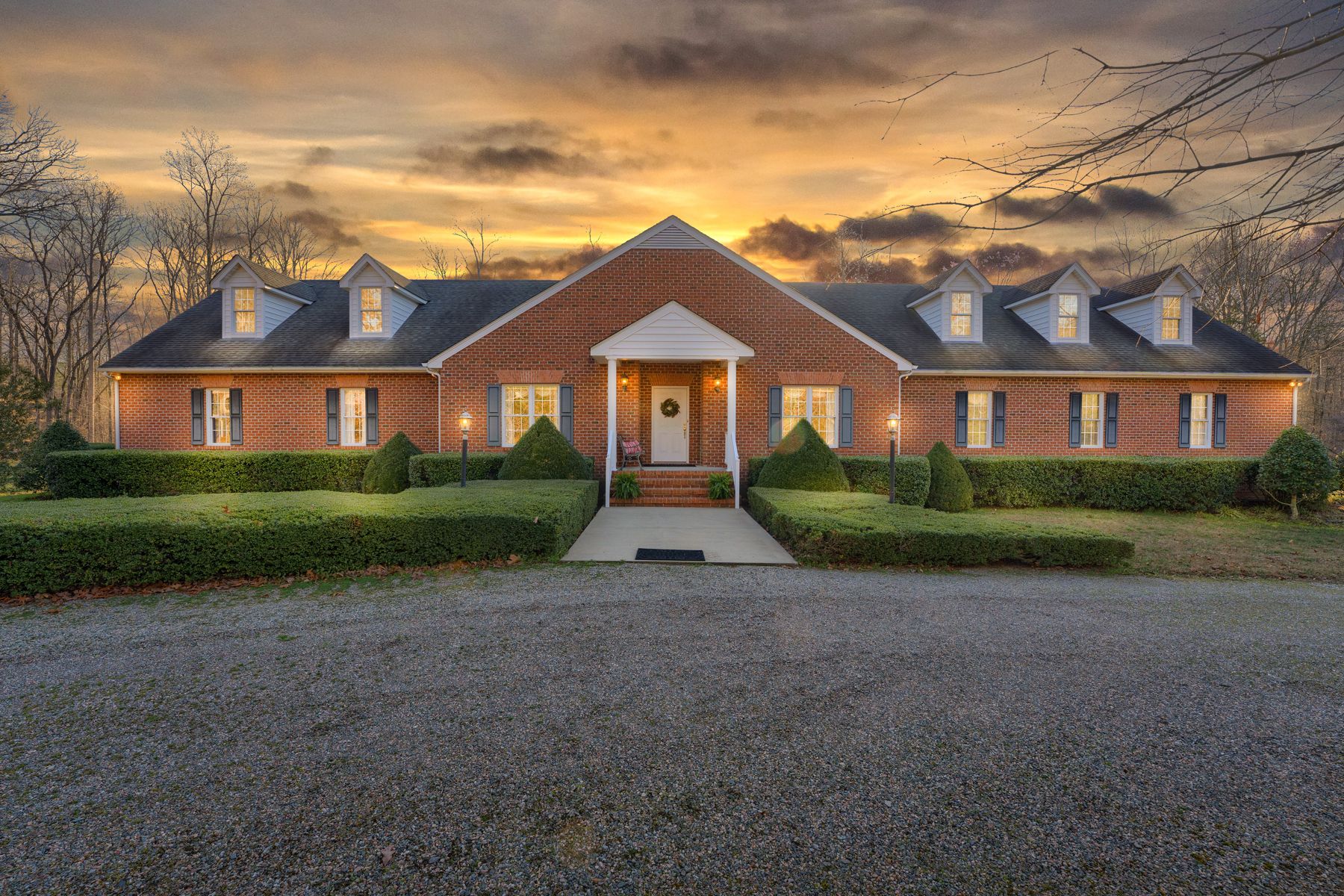
What you get: your chosen exterior photo returned as a twilight image, delivered in the same gallery as the rest of the shoot, sized for MLS and print.
Per photo · More Photo Options
Virtual Staging
Empty rooms sell slower. We furnish them digitally, matched to the room’s light, scale and perspective, so buyers can picture living there.
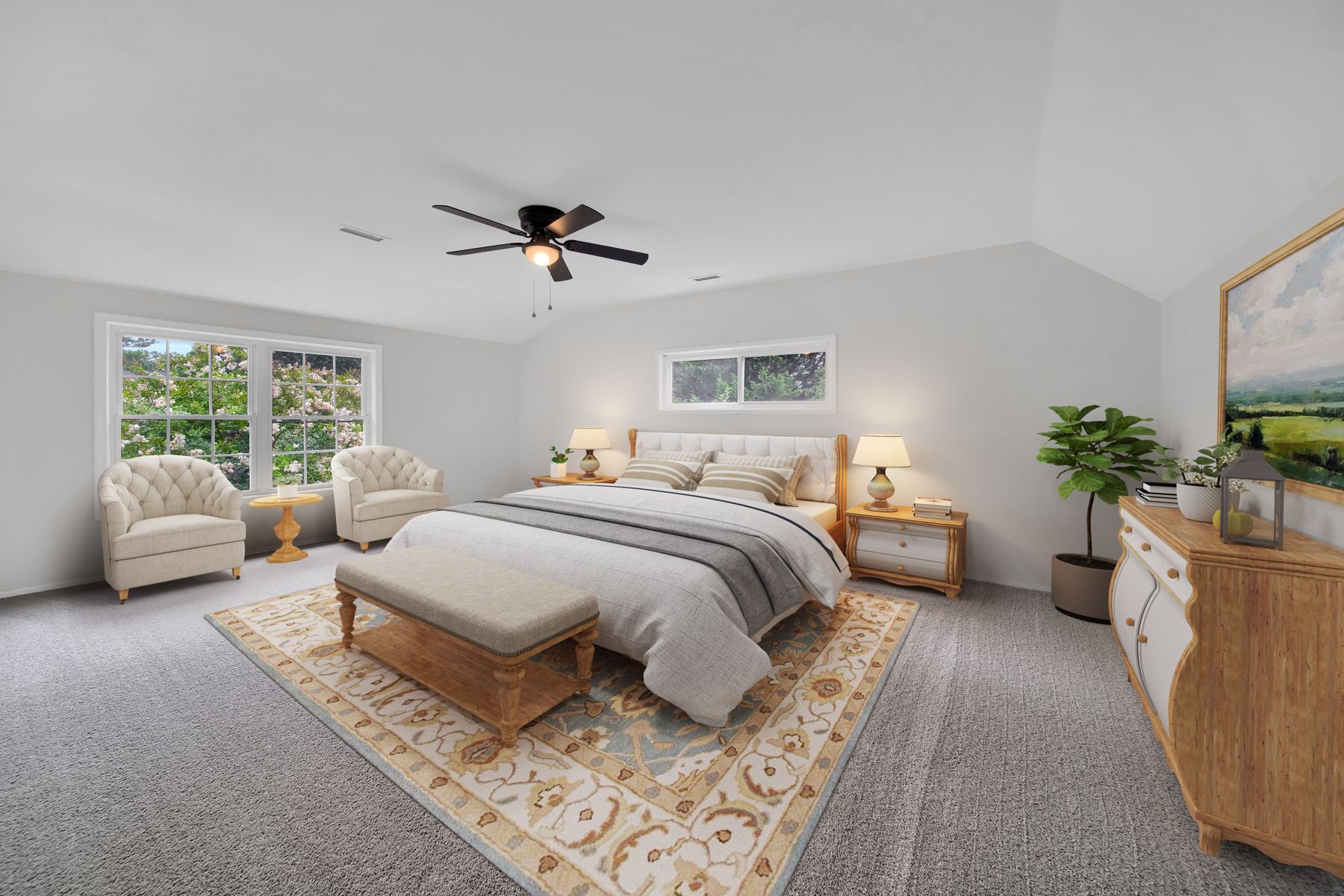
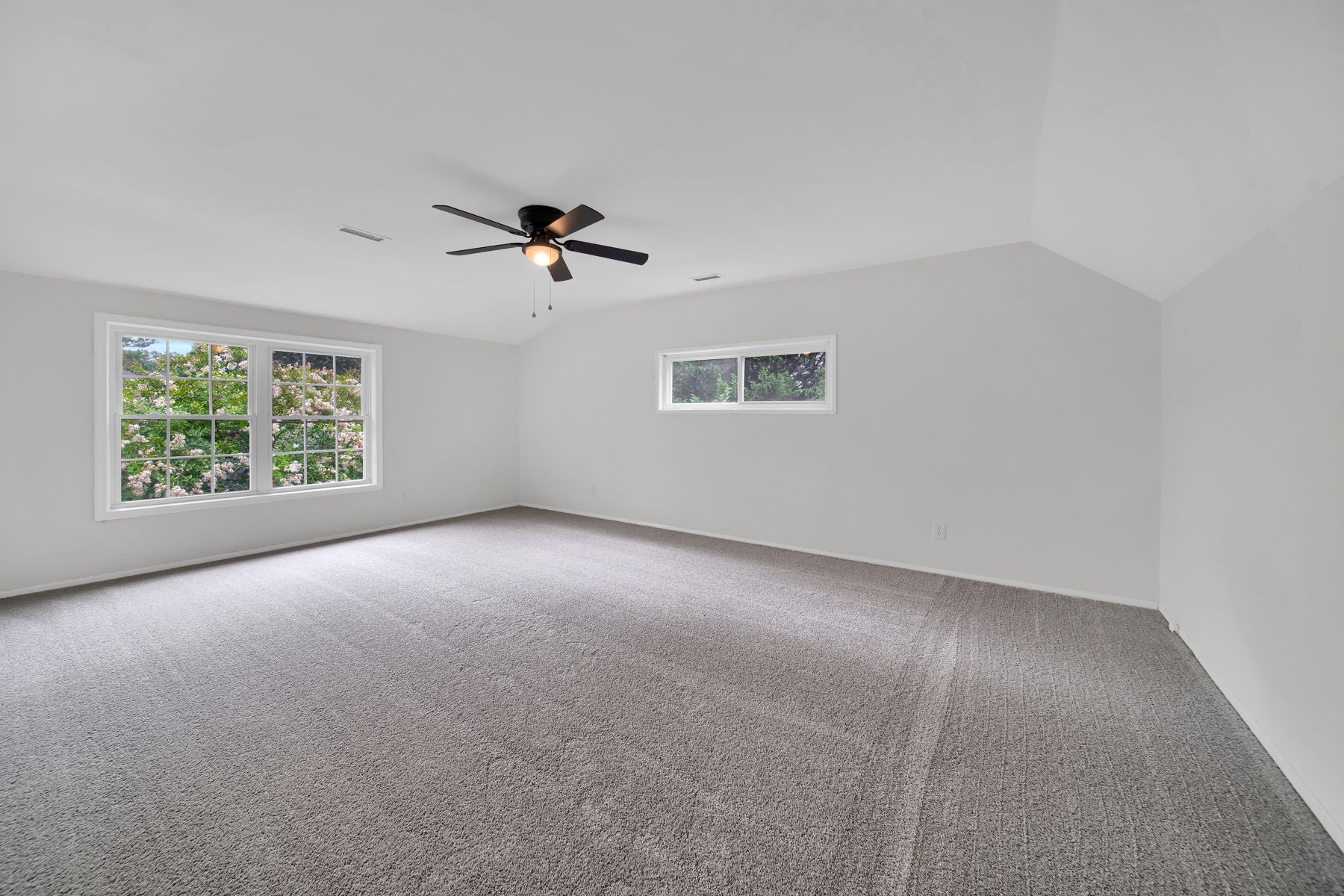 EmptyStaged
Drag the handle to compare. Left is the original photo, right is what we deliver.
What you get: the staged photo plus the original, so you can show both. Mark it “virtually staged” in your remarks and you are MLS-safe.
Per photo · More Photo Options
Virtual Renovation
Show the potential, not the project. Unfinished or dated spaces rendered as finished rooms, keeping the real walls, windows and footprint.
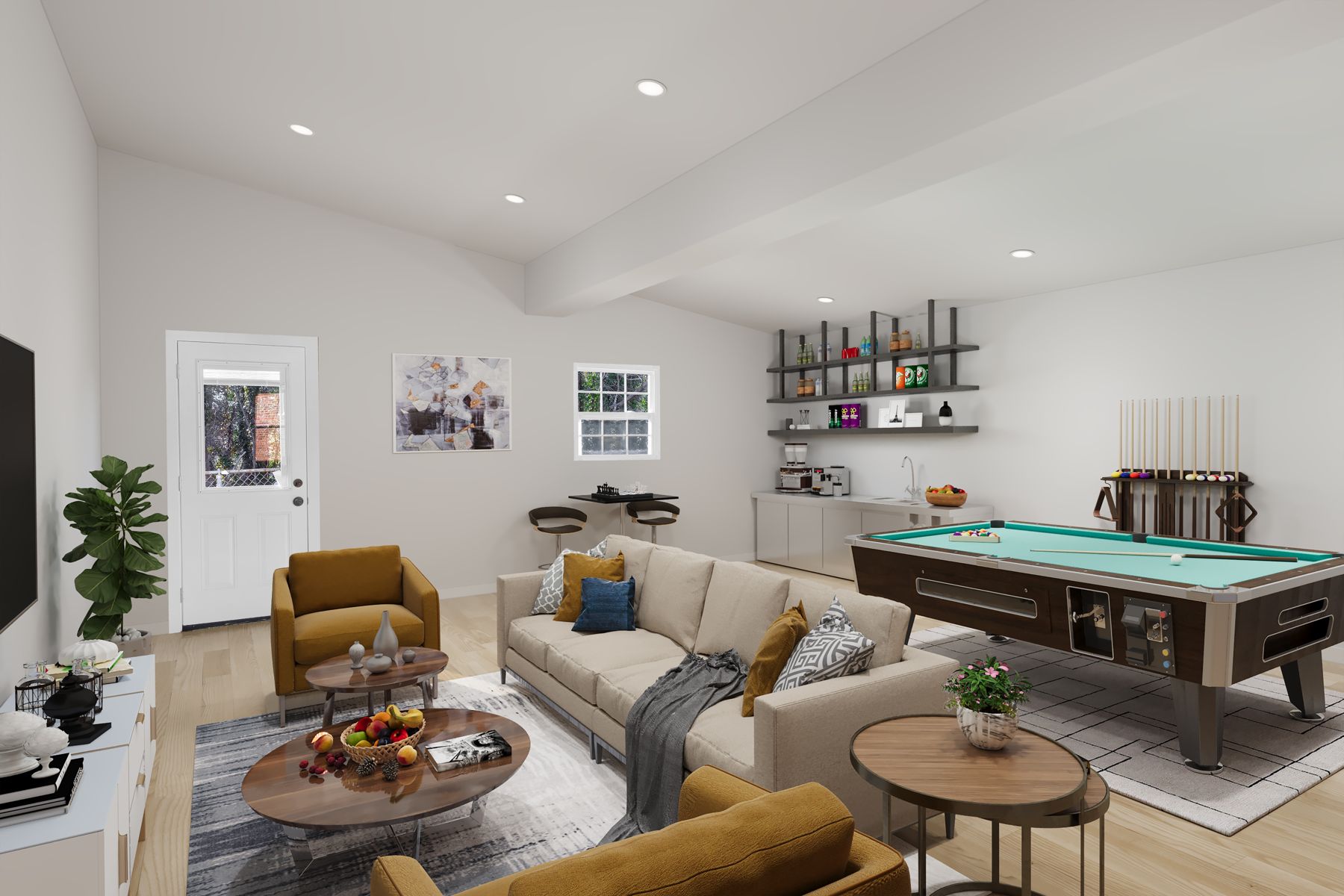
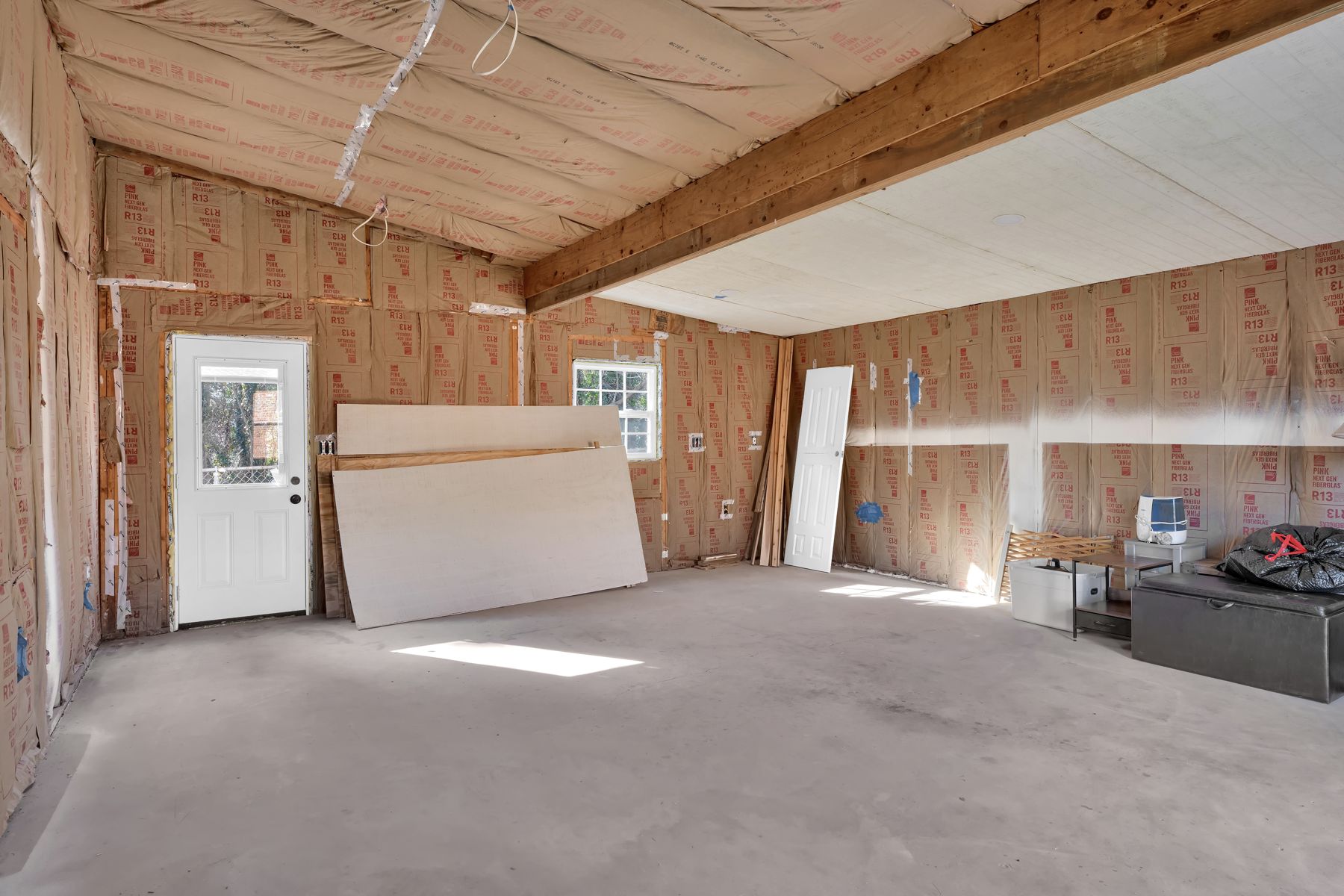 As-isRenovated
Drag the handle to compare. Left is the original photo, right is what we deliver.
What you get: a finished-look version of the space you pick, ideal for basements, garages and mid-remodel listings.
Per photo · More Photo Options
Item Removal
Cars in the driveway, trash cans, cords, clutter: gone, with the background rebuilt so nobody can tell.
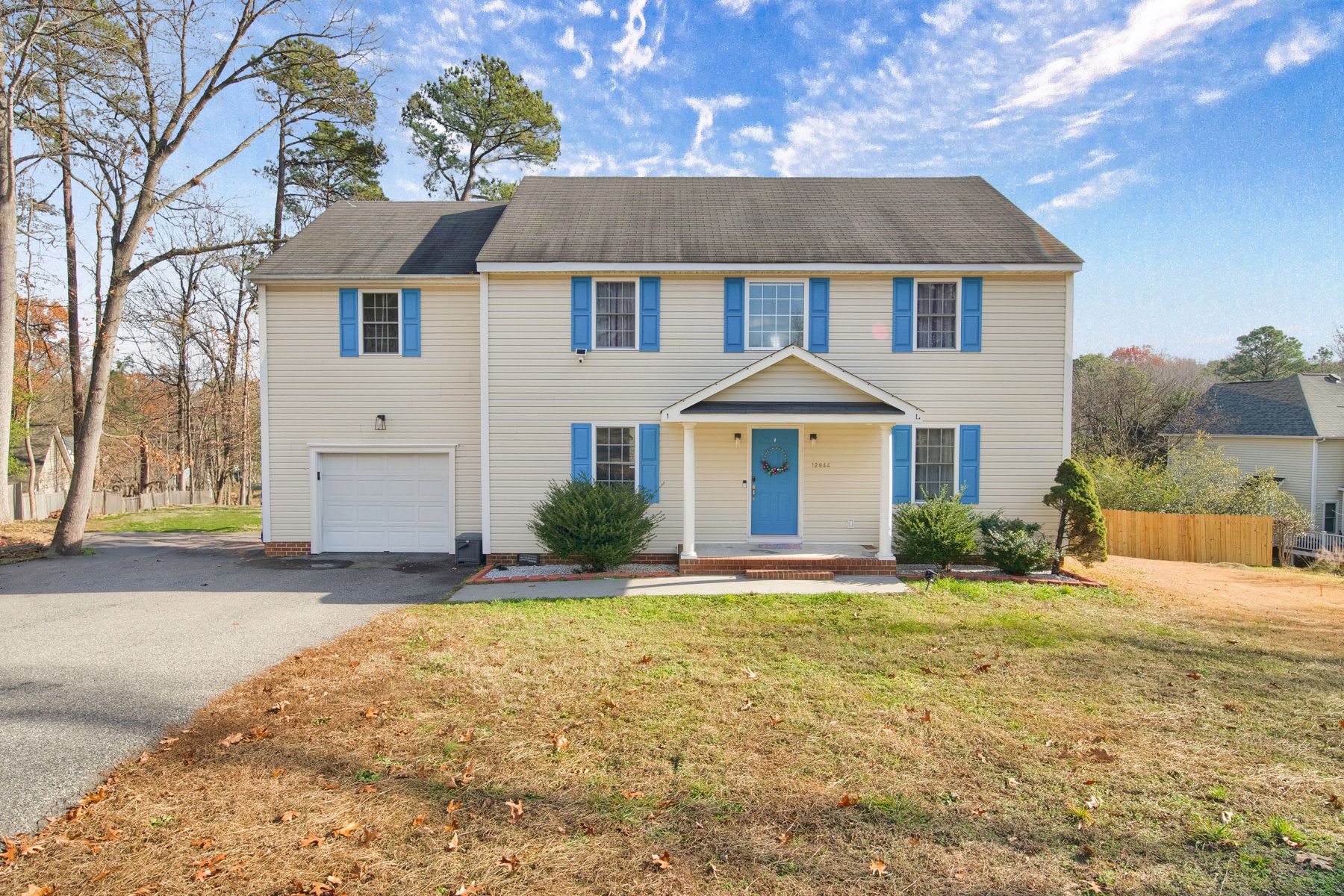
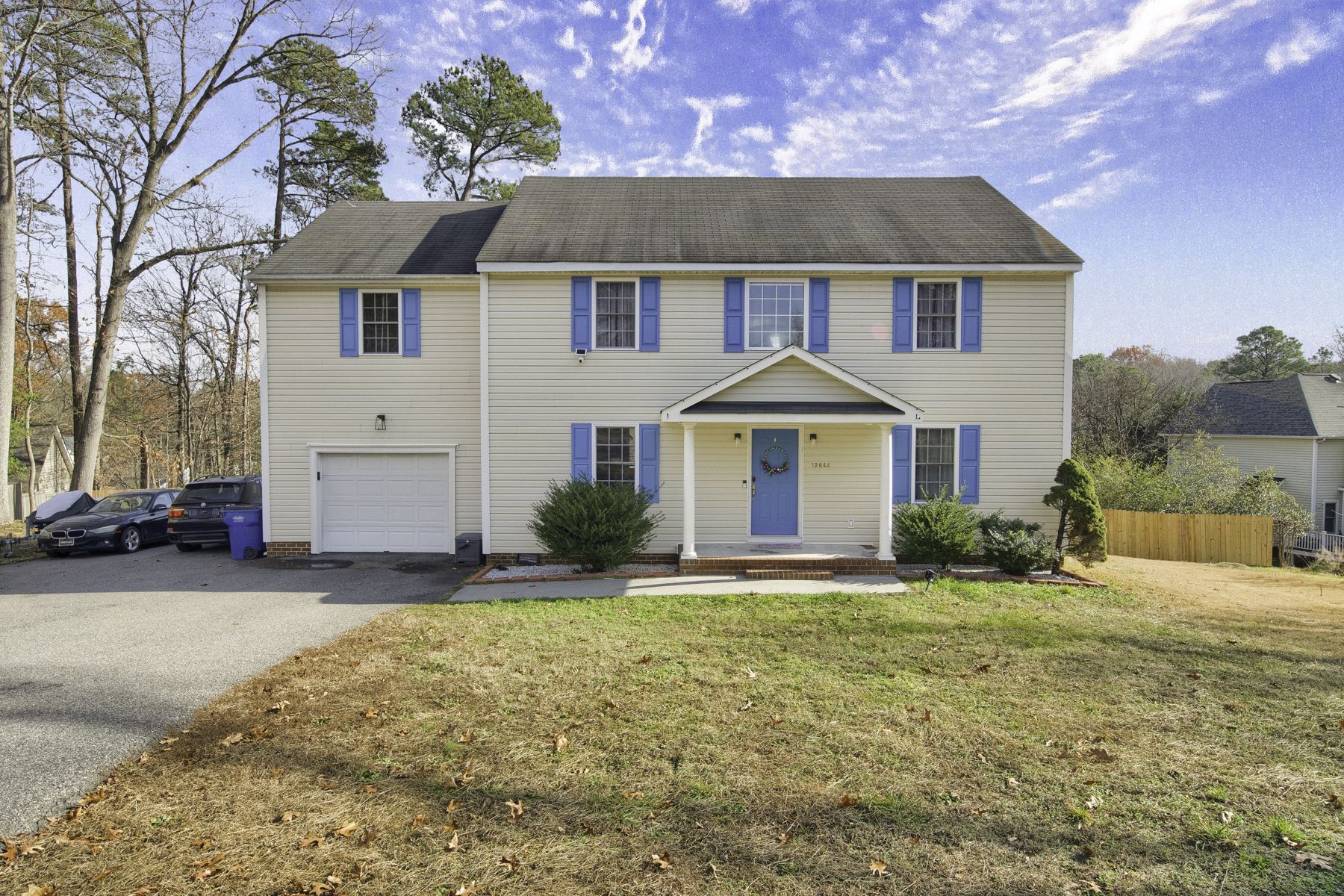 OriginalCleaned
Drag the handle to compare. Left is the original photo, right is what we deliver.
What you get: the same photo with the distraction removed. One charge per photo, however many items are in it.
Per listing · More Photo Options
TV Replacement
A black TV screen pulls the eye. We replace it with a bright image of the home itself, so the screen sells the listing too.
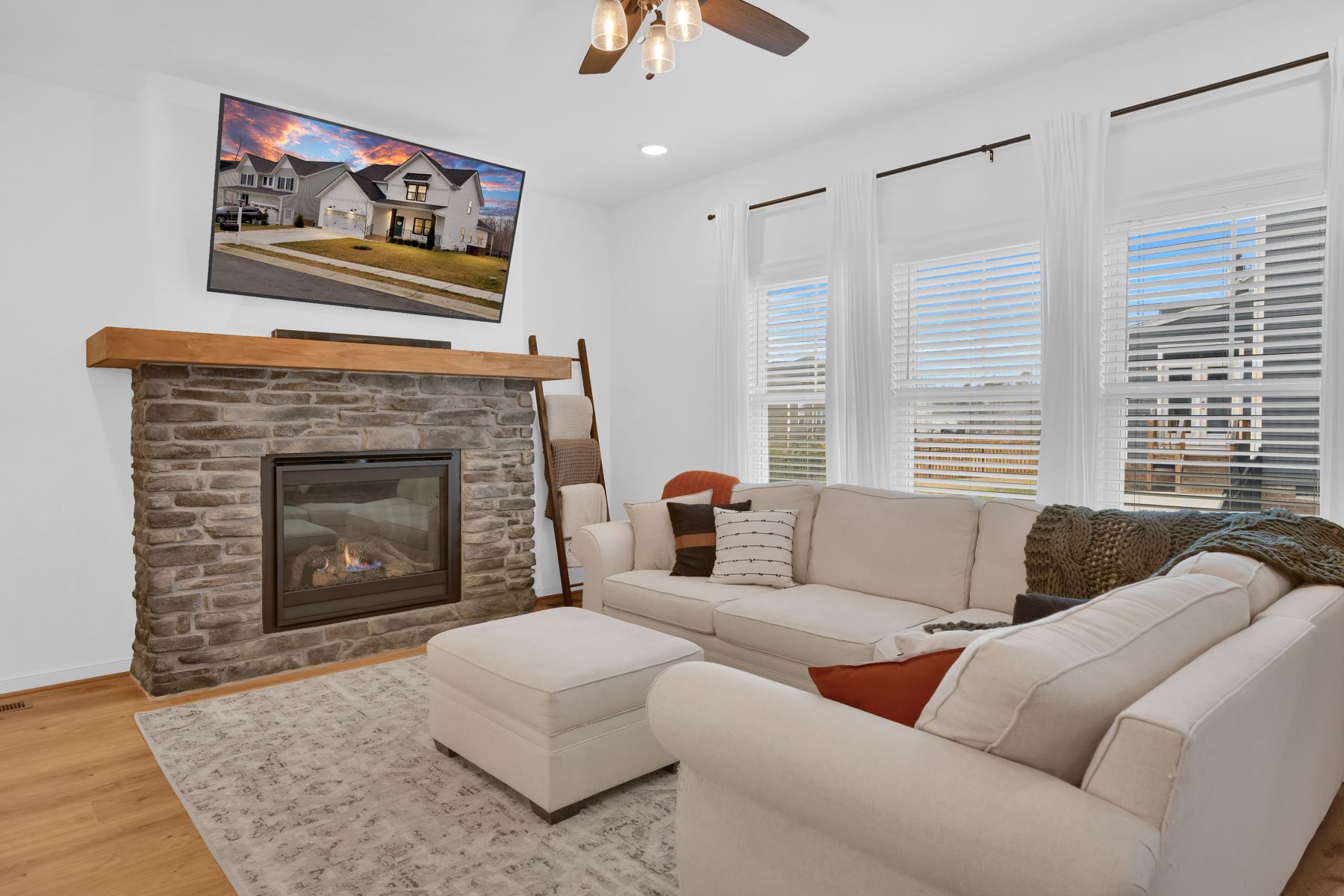
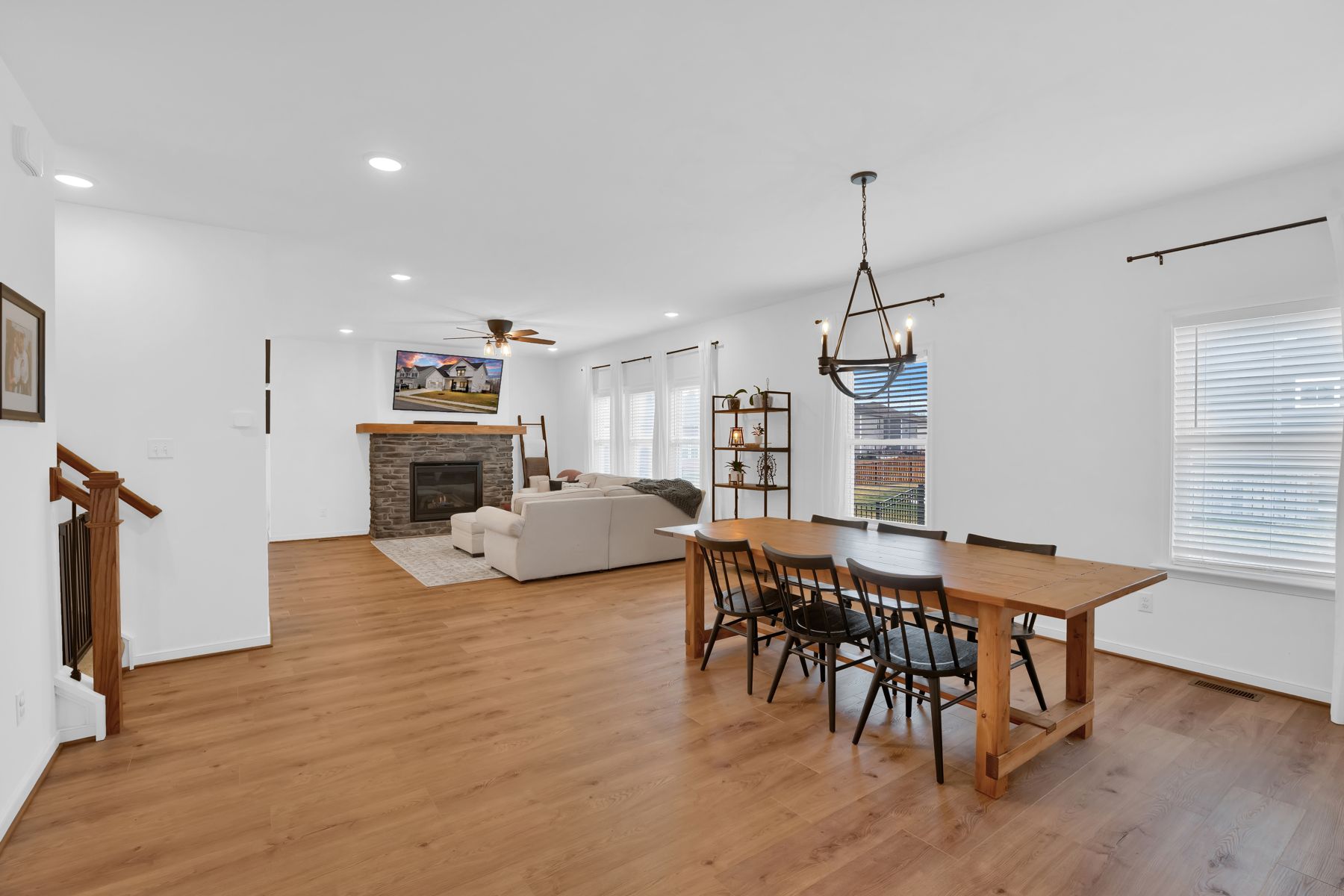
What you get: every photo in the shoot where a TV appears, with the screen replaced. Ordered once per listing.
Per photo · More Photo Options
Property Lines
Drone photos with the approximate lot boundary drawn on, so acreage reads at a glance.
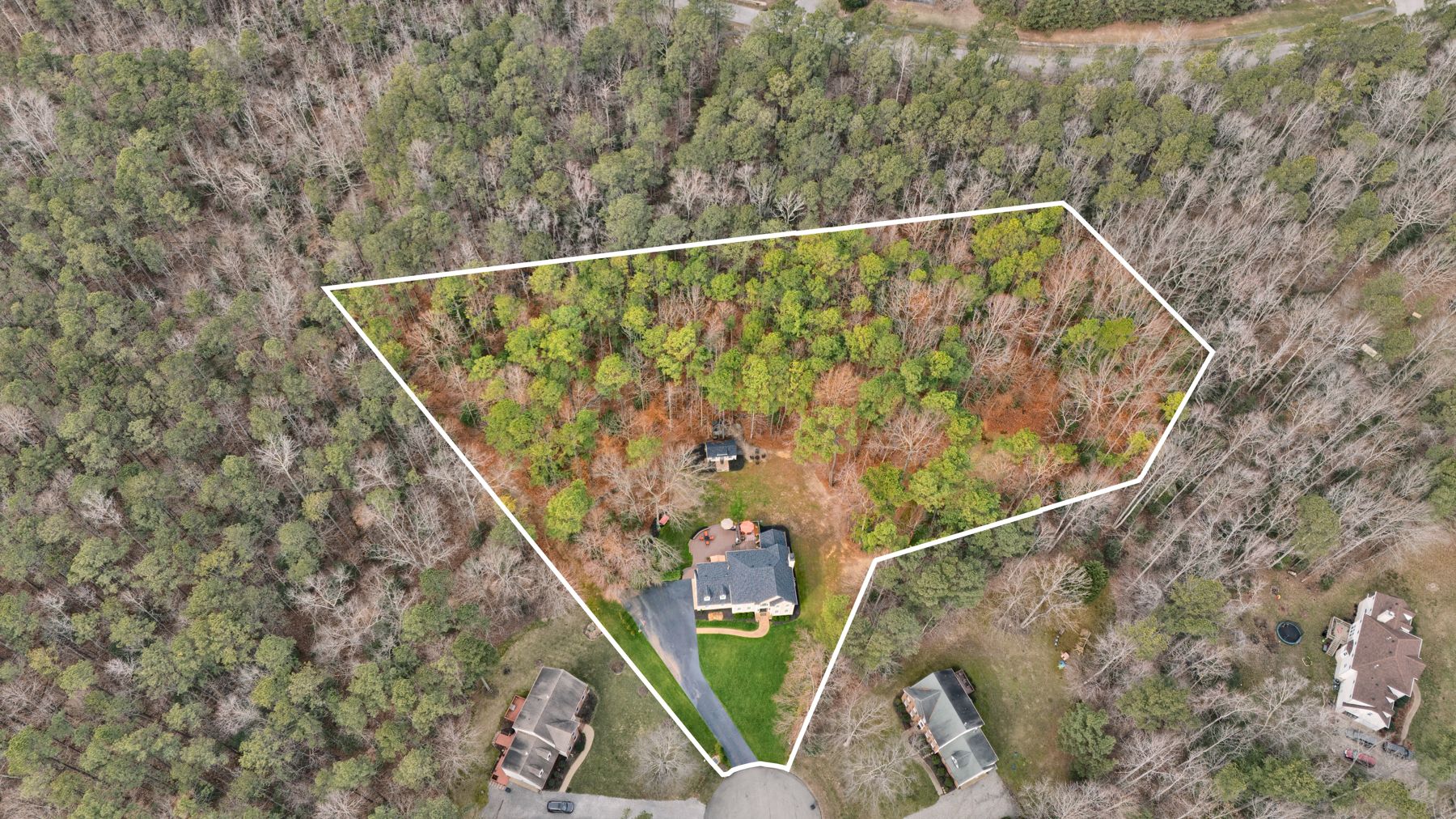
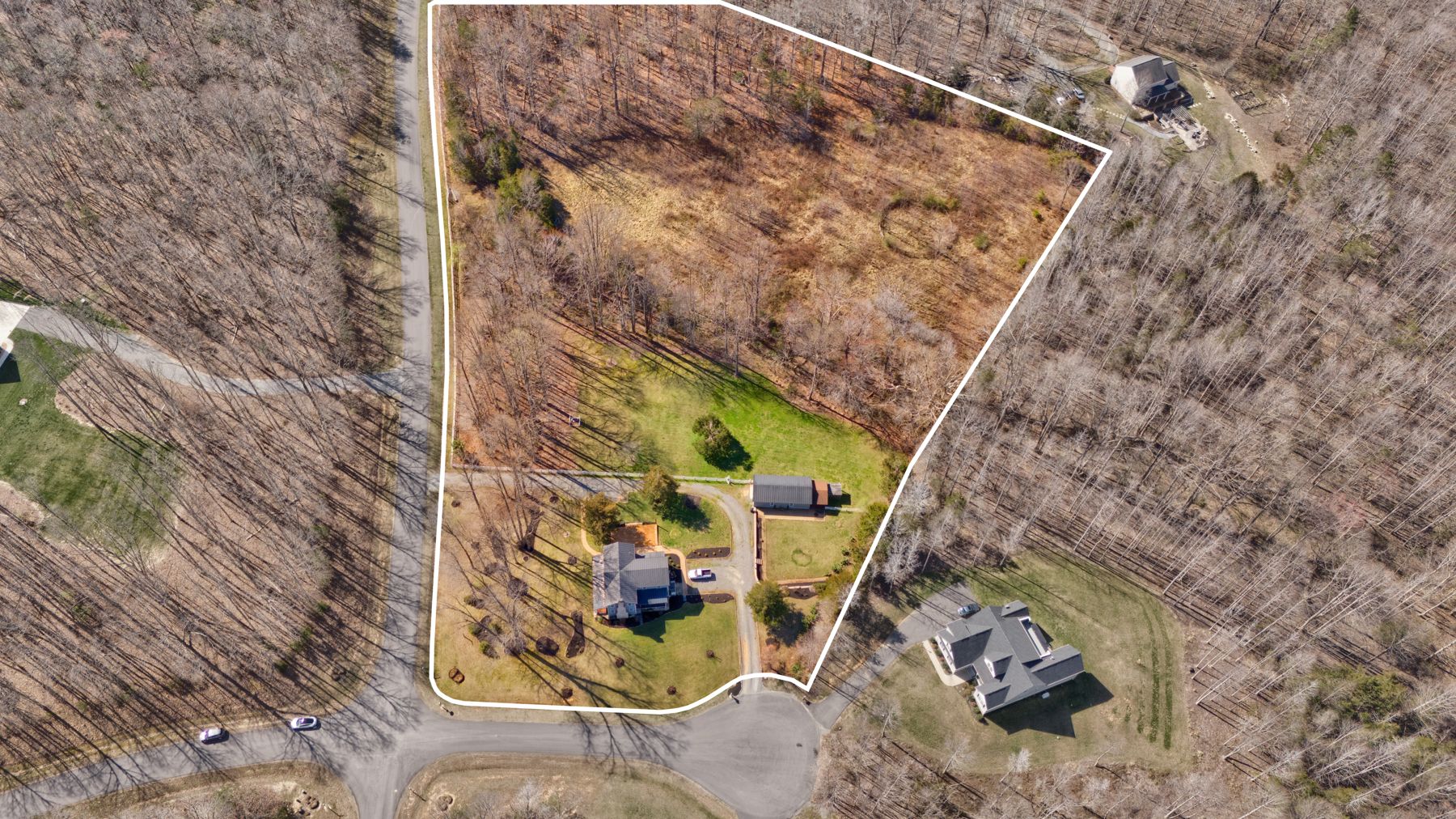
What you get: your aerial photo with a clean boundary overlay based on public GIS parcel data. Lines are approximate and not a survey, and we say so on the image.
Like it? Add it in the cart.
If your cart is already open in another window or tab, just close this page and set the quantity next to the option you want under More Photo Options. Nothing you entered there is lost.
Not booking yet? Open the booking page in a new tab.
Like it? Close this window and add it.
Your cart is right behind this preview, with everything you have filled in so far.
- Tap the X in the top-right corner
- Back in the cart, set the quantity next to the option you want under More Photo Options
- Keep going, nothing you entered is lost
Like it? Switch back to your cart tab and add it.
Your cart is still open in the other tab, with everything you have filled in so far.
- Close this tab
- Back in the cart, set the quantity next to the option you want under More Photo Options
- Keep going, nothing you entered is lost